Lab 21 – Azure Governance & Policy Management
Configure Azure governance policies, resource locks, and management groups to enforce compliance and prevent unauthorized changes.
Objective Lab goal
This lab introduces Azure governance fundamentals. You’ll create management groups, apply resource locks, and configure Azure Policy to enforce compliance across your cloud environment.
- Outcome 1: Management groups created and structured.
- Outcome 2: Resource locks applied to critical assets.
- Outcome 3: Azure Policy configured for compliance enforcement.
- Outcome 4: Governance dashboard validated.
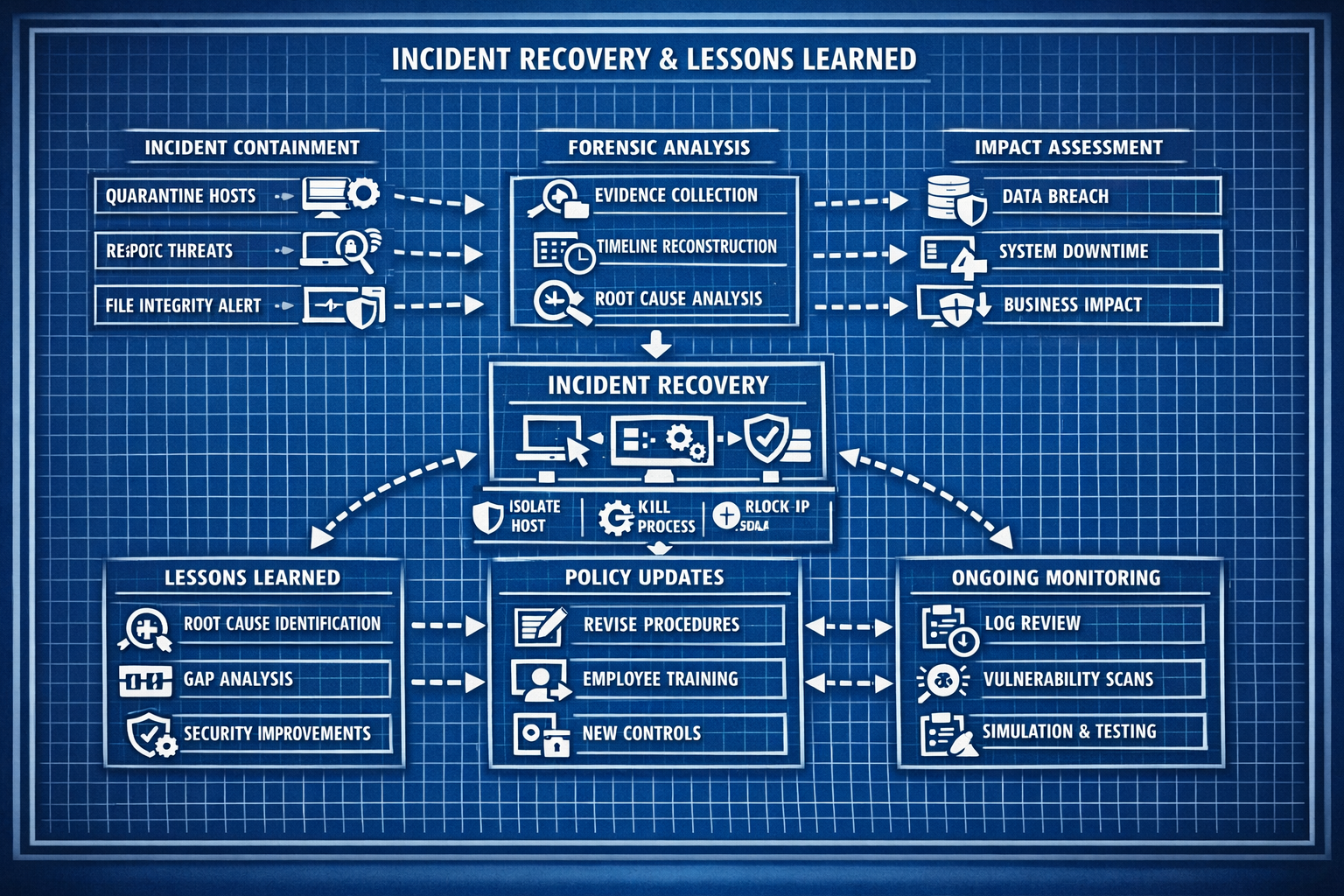
Lab 21: Configuring Azure governance policies, resource locks, and compliance dashboards.
Deliverables End‑of‑lab checklist
- DL21.1: Management group hierarchy created.
- DL21.2: Resource locks applied to production resources.
- DL21.3: Azure Policy definitions assigned.
- DL21.4: Compliance dashboard validated.
- DL21.5: Documentation updated with screenshots and policy details.
Lab Steps Step‑by‑step instructions
Step 1 – Create Management Groups
~45 minutes- In Azure Portal, navigate to Management Groups.
- Create groups for:
- Production
- Development
- Sandbox
- Assign subscriptions to each group.
- Document hierarchy and purpose.
Step 2 – Apply Resource Locks
~45 minutes- Navigate to critical resources (VMs, storage accounts, network groups).
- Apply Read‑Only or Delete locks.
- Test lock enforcement by attempting modifications.
- Document lock configuration.
Step 3 – Configure Azure Policy
~60 minutes- Navigate to Azure Policy in the portal.
- Create or assign built‑in policies:
- Allowed locations
- Allowed resource types
- Tag enforcement
- Assign policies to management groups.
- Validate compliance results.
Step 4 – Validate Compliance Dashboard
~30 minutes- Open the Compliance Dashboard in Azure Policy.
- Review non‑compliant resources.
- Remediate or document exceptions.
- Capture screenshots for documentation.
Reflection What you should understand now
- Governance: How management groups and policies enforce structure.
- Compliance: How Azure Policy ensures consistent standards.
- Protection: How resource locks prevent accidental changes.
With governance and policy management configured, you’re ready to secure identities and enforce conditional access in Week 22.