Lab 17 – EDR Deployment & Host Telemetry
Deploy EDR agents across your homelab endpoints and explore deep host‑level telemetry including processes, services, registry, and network activity.
Objective Lab goal
This lab introduces modern endpoint detection and response (EDR). You’ll deploy agents to Windows and Linux hosts, validate telemetry ingestion, and explore process, service, registry, and network‑activity visibility.
- Outcome 1: EDR agents deployed to all lab endpoints.
- Outcome 2: Host telemetry validated in EDR console.
- Outcome 3: Process, service, and network activity analyzed.
- Outcome 4: Baseline host behavior documented.
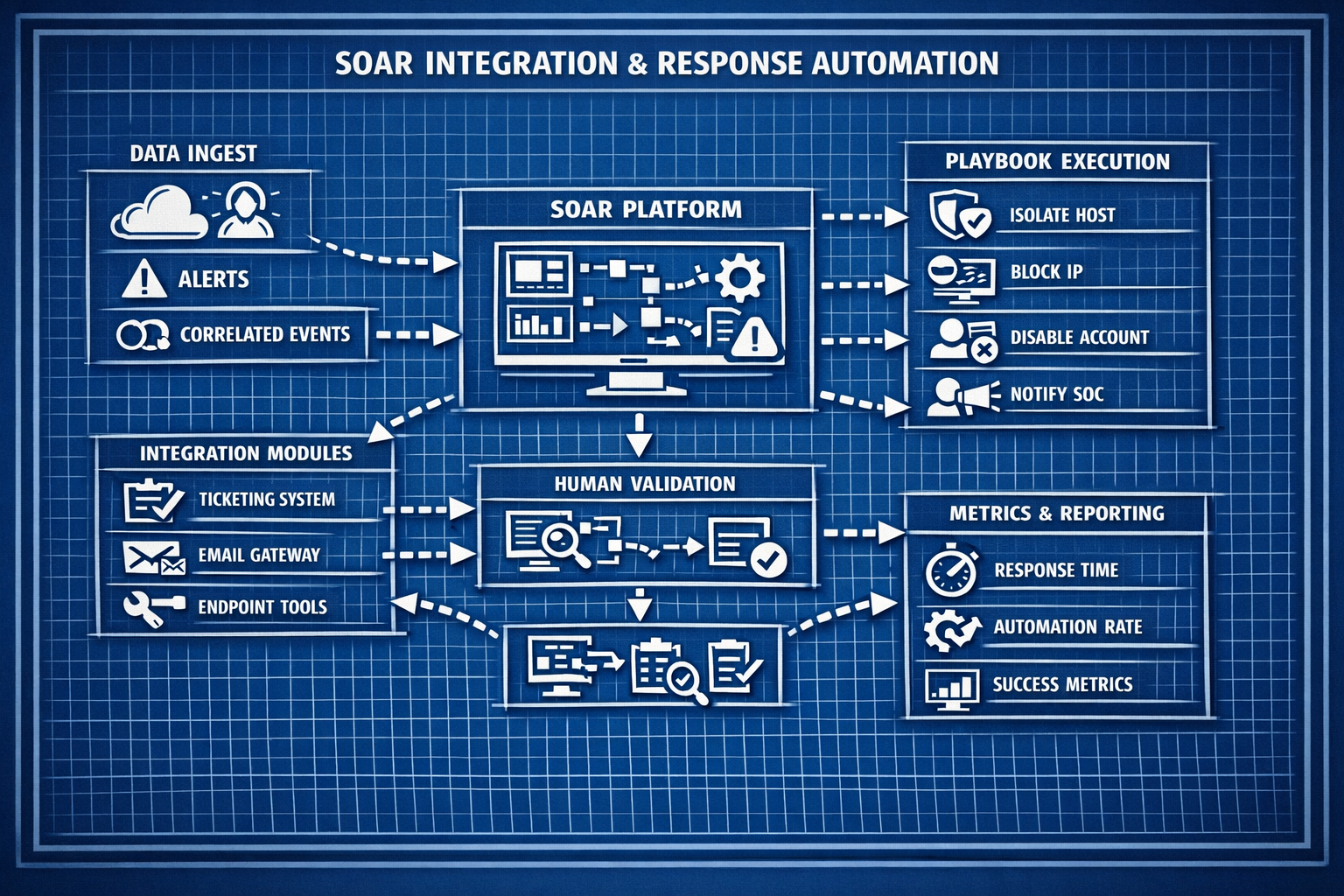
Lab 17: Deploying EDR agents and exploring host‑level telemetry.
Deliverables End‑of‑lab checklist
- DL17.1: EDR agents installed on WIN10‑LAB, DC01, and Linux hosts.
- DL17.2: Telemetry confirmed for processes, services, and network activity.
- DL17.3: Baseline behavior documented.
- DL17.4: EDR dashboards configured.
- DL17.5: Initial detection rules reviewed.
Lab Steps Step‑by‑step instructions
Step 1 – Deploy EDR Agents
~45 minutes- Download EDR agent installers for:
- Windows (WIN10‑LAB, DC01)
- Linux (Ubuntu or Debian hosts)
- Install agents and verify registration in the EDR console.
- Confirm heartbeat and telemetry ingestion.
Step 2 – Validate Process & Service Telemetry
~45 minutes- Open the EDR process explorer.
- Validate visibility into:
- Parent/child process relationships
- Command‑line arguments
- Service creation and modification
- Trigger benign activity (PowerShell, Notepad, ping) and observe telemetry.
Step 3 – Analyze Network Activity
~45 minutes- Review network‑connection logs for:
- Outbound connections
- Listening ports
- Process‑to‑network mapping
- Trigger benign network activity (web browsing, DNS queries).
- Document baseline network behavior.
Step 4 – Explore Registry, File, & Script Telemetry
~45 minutes- Review registry modification logs (Windows).
- Review file‑modification telemetry.
- Trigger benign PowerShell scripts and observe telemetry.
- Document findings and baseline patterns.
Reflection What you should understand now
- Visibility: How EDR provides deep host‑level insight.
- Telemetry: How processes, services, and network activity reveal attacker behavior.
- Baseline: How normal behavior helps detect anomalies.
With EDR deployed and telemetry validated, you’re ready to analyze malware‑like behavior in Week 18.