Lab 18 – Malware Behavior & Process Analysis
Analyze suspicious processes, command‑line activity, and malware‑like behavior using EDR telemetry and controlled simulations.
Objective Lab goal
This lab focuses on identifying and analyzing malware‑like behavior using your EDR platform. You’ll simulate suspicious activity, analyze process trees, inspect command‑line arguments, and detect behavioral indicators such as persistence, network beacons, and privilege escalation attempts.
- Outcome 1: Understand common malware behaviors and indicators.
- Outcome 2: Analyze process trees and command‑line activity.
- Outcome 3: Detect suspicious file, registry, and network behavior.
- Outcome 4: Document findings and map them to MITRE ATT&CK.
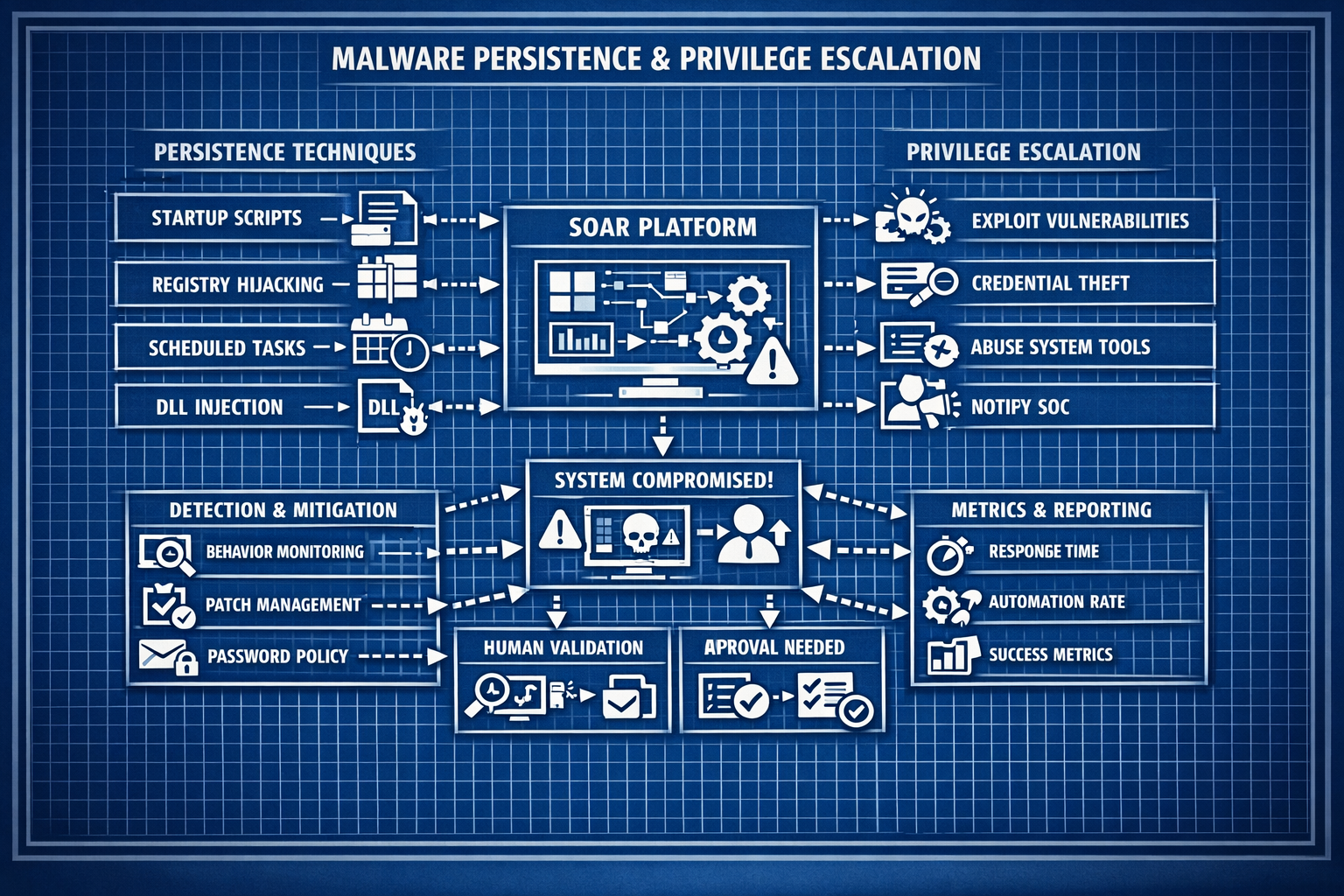
Lab 18: Analyzing suspicious processes, command‑line activity, and malware‑like behavior.
Deliverables End‑of‑lab checklist
- DL18.1: Suspicious process tree analyzed.
- DL18.2: Command‑line behavior documented.
- DL18.3: Registry, file, and network indicators reviewed.
- DL18.4: MITRE ATT&CK mapping completed.
- DL18.5: Findings documented with screenshots.
Lab Steps Step‑by‑step instructions
Step 1 – Simulate Suspicious Process Behavior
~45 minutes- On WIN10‑LAB, run benign but suspicious‑looking commands:
- powershell -enc ...
- certutil -urlcache -split -f http://example.com/test
- wmic process call create
- Observe process‑tree creation in EDR.
- Document parent/child relationships and anomalies.
Step 2 – Analyze Command‑Line & Script Behavior
~45 minutes- Review command‑line arguments for:
- Base64‑encoded payloads
- Suspicious flags (e.g., -nop, -w hidden)
- Script execution patterns
- Trigger benign PowerShell scripts and observe telemetry.
- Document findings with screenshots.
Step 3 – Inspect File, Registry & Persistence Behavior
~60 minutes- Create benign persistence mechanisms:
- Registry Run key
- Scheduled task
- Startup folder script
- Observe EDR alerts and telemetry.
- Document registry and file‑system modifications.
Step 4 – Analyze Network Behavior
~45 minutes- Trigger benign outbound connections (HTTP, DNS, ICMP).
- Observe:
- Process‑to‑network mapping
- Unusual ports or destinations
- Repeated beacon‑like patterns
- Document baseline vs suspicious behavior.
Step 5 – Map Findings to MITRE ATT&CK
~30 minutes- Map observed behaviors to ATT&CK techniques:
- T1059 – Command Execution
- T1547 – Persistence
- T1055 – Process Injection (if simulated)
- T1041 – Exfiltration Over C2 Channel
- Document mappings in your lab notes.
Reflection What you should understand now
- Behavior: How malware reveals itself through processes, scripts, and network activity.
- Telemetry: How EDR surfaces suspicious behavior in real time.
- Detection: How to map behaviors to ATT&CK techniques.
With malware‑behavior analysis complete, you’re ready to detect persistence, privilege escalation, and lateral movement in Week 19.