Lab 14 – Automated Enrichment & Scripting
Automate alert enrichment using scripts, APIs, and SIEM automation features to accelerate investigations and reduce manual workload.
Objective Lab goal
This lab introduces automation for threat‑hunting and alert enrichment. You’ll build scripts that query threat‑intel APIs, enrich SIEM alerts with context, and automate repetitive investigation steps.
- Outcome 1: Build enrichment scripts using PowerShell or Python.
- Outcome 2: Query OTX, AbuseIPDB, and DNS APIs automatically.
- Outcome 3: Integrate enrichment into SIEM workflows.
- Outcome 4: Document automated investigation steps.
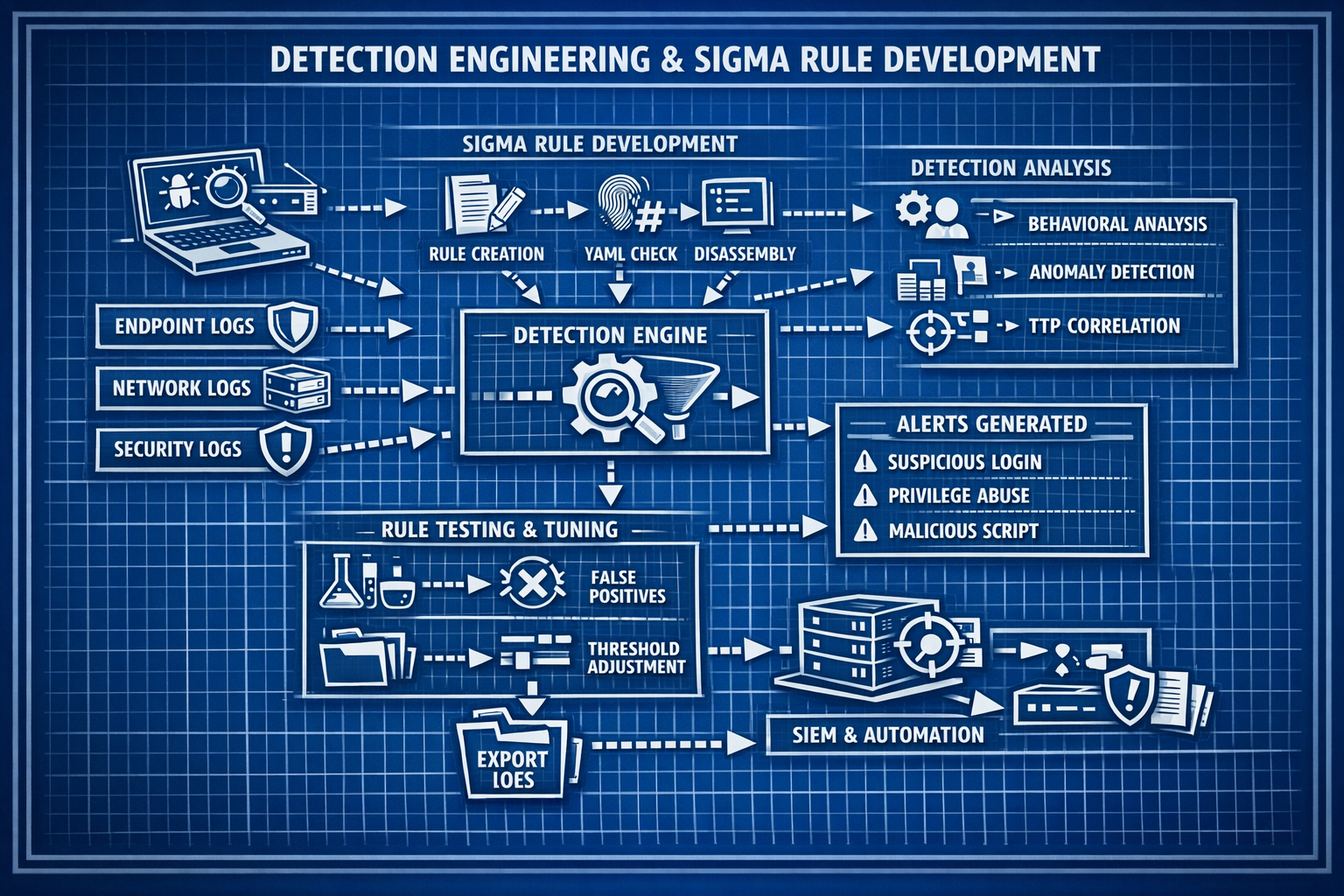
Lab 14: Automating enrichment using scripts, APIs, and SIEM automation features.
Deliverables End‑of‑lab checklist
- DL14.1: Enrichment script created (PowerShell or Python).
- DL14.2: API queries to OTX, AbuseIPDB, DNS resolvers.
- DL14.3: SIEM automation rule configured.
- DL14.4: Enriched alerts validated.
- DL14.5: Documentation updated with workflow and code.
Lab Steps Step‑by‑step instructions
Step 1 – Build an Enrichment Script
~45 minutes- Create a PowerShell or Python script.
- Add functions to query:
- OTX API
- AbuseIPDB API
- DNS resolver (e.g., Cloudflare 1.1.1.1)
- Parse results and return:
- Reputation score
- Threat categories
- Pulse or report links
Step 2 – Automate Enrichment for Alerts
~45 minutes- Configure your SIEM to run the script when:
- A new alert is created
- An IP or domain is extracted
- Store enrichment results in:
- Custom fields
- Tags
- Notes
Step 3 – Build Automated Investigation Steps
~45 minutes- Create an automation rule that:
- Extracts indicators
- Runs enrichment
- Updates alert severity based on reputation
- Test with known malicious IPs.
Step 4 – Document Workflow & Validate Results
~30 minutes- Document:
- Script logic
- API endpoints
- Automation triggers
- Enrichment fields
- Validate enriched alerts in SIEM dashboards.
Reflection What you should understand now
- Automation: How scripts reduce manual investigation time.
- Enrichment: How external context improves alert fidelity.
- Workflow: How automated steps accelerate triage.
With automated enrichment in place, you’re ready to build structured response playbooks in Week 15.