Month 2 – Security Foundations & SIEM Integration
Build on your identity and network foundation by introducing hardening, monitoring, and centralized visibility. This month prepares your homelab for real blue‑team workflows.
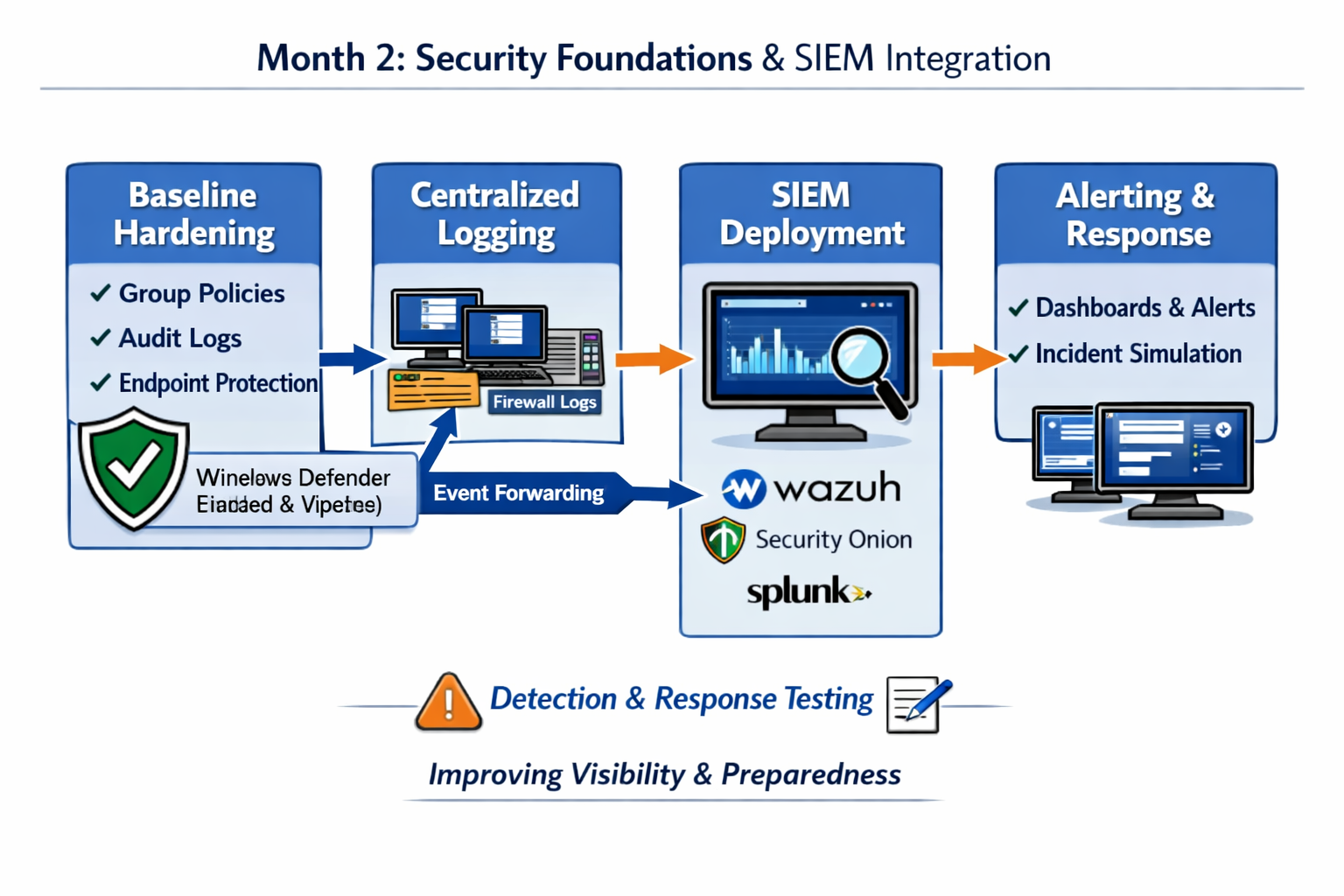
Overview What you will accomplish
Month 2 focuses on strengthening your environment and building visibility. You’ll apply baseline hardening, configure centralized logging, deploy a lightweight SIEM, and begin tuning alerts and dashboards.
- Apply domain‑wide baseline security policies.
- Enable Windows Event Forwarding (WEF) for centralized logs.
- Deploy a lightweight SIEM and ingest logs from DC01, WIN10‑LAB, and OPNsense.
- Create dashboards and tune alerts for authentication, system, and network events.
- Simulate incidents and validate detection workflows.
Labs Week-by-week breakdown
Week 5 – Baseline Hardening & Monitoring Setup
Create and link baseline GPOs, enable audit policy, verify Windows Defender, and configure Windows Event Forwarding between WIN10‑LAB and DC01.
Week 6 – SIEM Deployment & Log Collection
Deploy a lightweight SIEM (Wazuh, Security Onion, or Splunk Free), configure log sources, and validate ingestion from domain controller, client, and firewall.
Week 7 – Alert Tuning & Dashboard Design
Build dashboards for authentication, system, and network events. Tune alert thresholds and reduce noise to create meaningful detections.
Week 8 – Incident Simulation & Response Workflow
Simulate brute‑force logon attempts and policy changes, observe SIEM alerts, and document your incident response workflow and escalation path.